> ## Documentation Index
> Fetch the complete documentation index at: https://shapely.mintlify.site/llms.txt
> Use this file to discover all available pages before exploring further.
# Shapely BuildBoundary
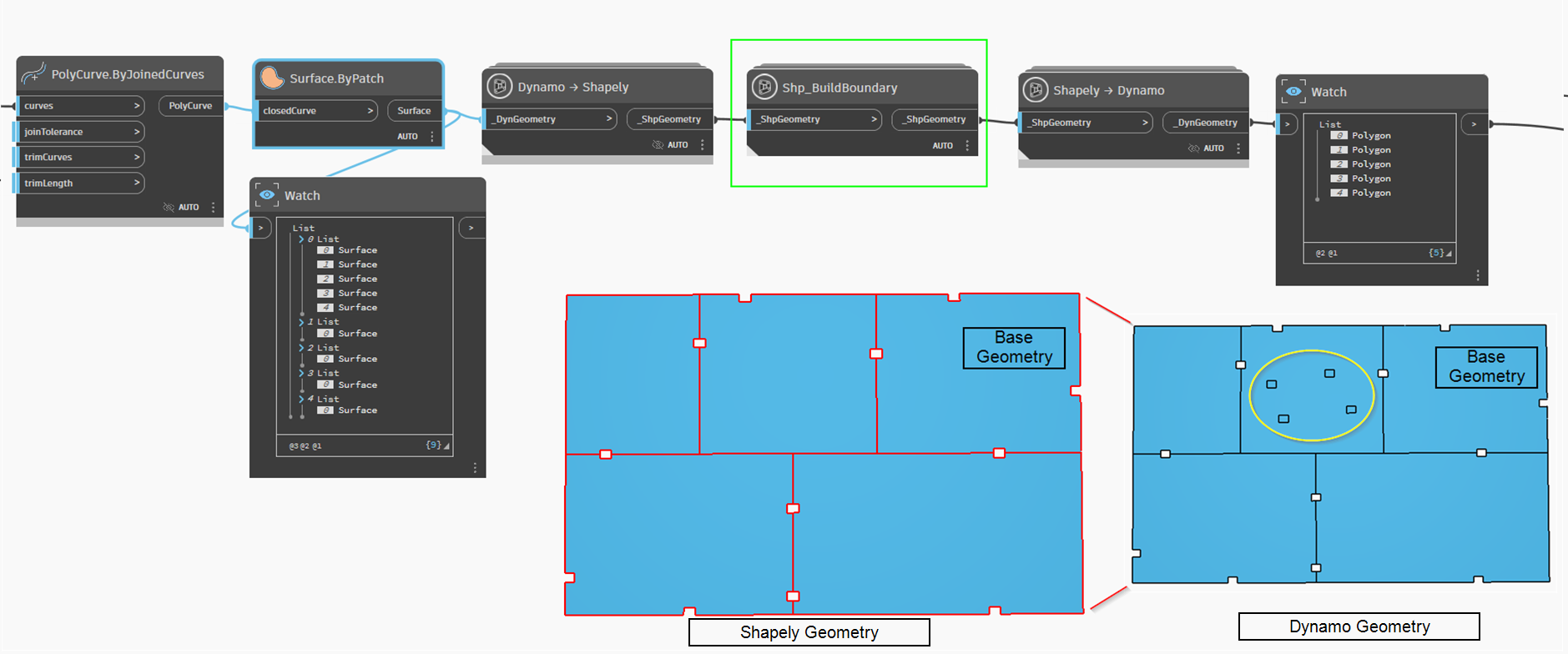
> This creates a geometry that defines the surrounding area. This operation defines the area covered by the geometry.
**All lines belonging to the geometry are stored within the method.**
I recommend working with polygons for the best results!
Interior lines(holes) are not lost; they are simply not displayed in the method result. Use the Shapely.PerimeterInterior method to retrieve interior lines(holes)!
### An example of transformations